
Agency knowledge base software
An agency knowledge base your team will actually use. Stop answering the same questions every week. Your team gets your answer, in your words, the moment they need it, and new hires find their feet without pulling you in.
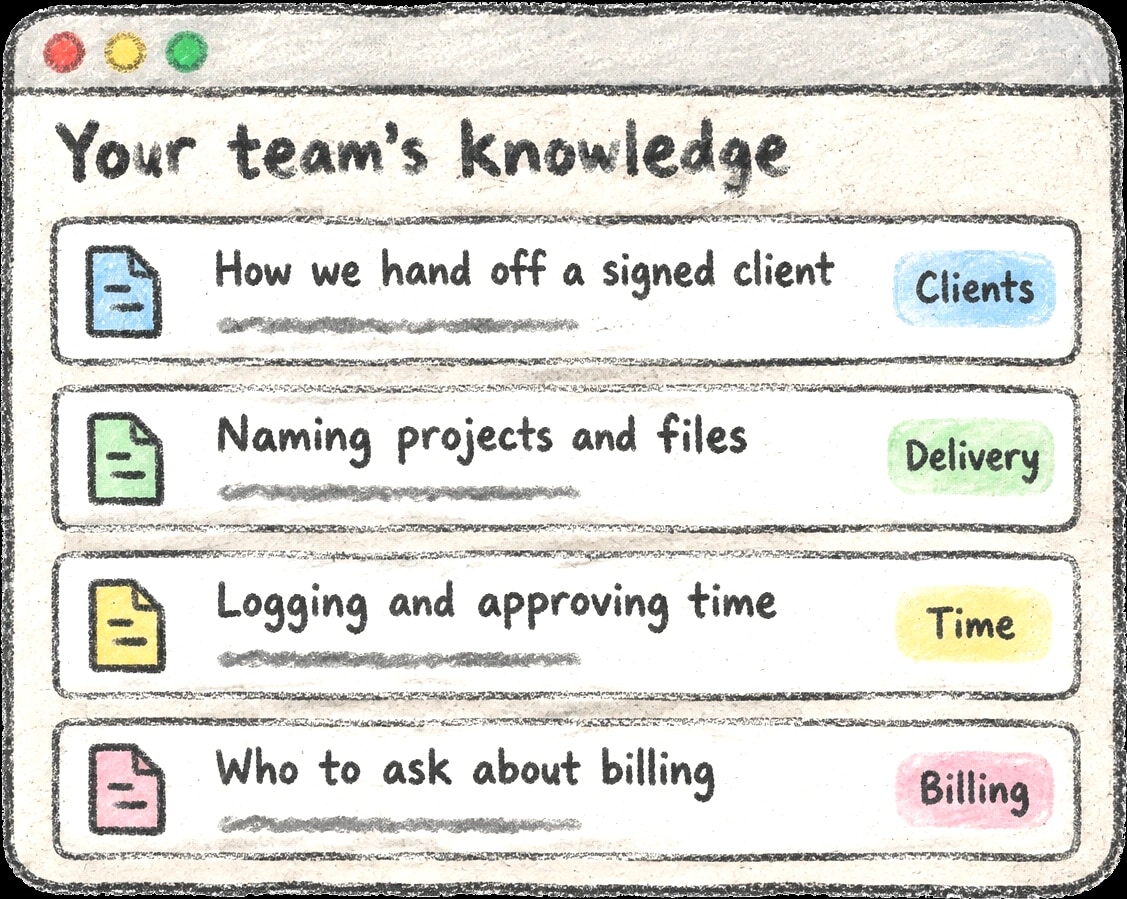
Why write it down
When the answers live in one person's head, the whole team waits on that person.
People ask the assistant first and get your answer, not a guess.
Every reply names the article it came from, so the full version is one click away.
When nothing covers a question, the assistant says so. You know what to write next.
The same assistant answers how to do things in Verbial, so one question box covers the software and your house rules.
How it works
Write it once. Everyone can ask for it.
- Write down how you do things
Handoffs, approvals, who to ask. A few short notes cover most of what people ask you.
- Your team gets the answer
They ask and hear your answer in your words, without waiting on you.
- You get your time back
Fewer interruptions, faster new hires and the same answer every time.
Where to start
Start with the three questions every new hire asks.
What happens between the yes and the kickoff call, and who owns each step.
When to log, what counts as billable and who signs off each week.
Who owns invoices, rates and credits, so questions reach the right person.
Keep it shareable. Everyone in your workspace can read published articles, and the assistant repeats what they say. Leave passwords, card numbers and personal client details out.
Read the setup guide →What you get
The team hears how your agency does things, not generic advice.
Every answer points back to what you wrote.
If you have not written it down, the assistant says so.
Nothing reaches the team until you are happy with it.
Only the people you choose can change the playbook.
People can browse by topic as well as ask.
Common questions
Who can read the knowledge base?
Everyone in your workspace can read published articles. Drafts are visible only to the people who can edit the knowledge base.
Who can write articles?
Admins, and anyone an admin gives permission to write the knowledge base, either directly or through a permission set.
What does the assistant know?
The Verbial help center, the how-to articles inside the app and your team's published knowledge base articles. It says where each answer came from and does not guess when nothing covers a topic.
Where do people ask questions?
From the round button in the bottom-right corner of any page, or from Help in the sidebar, where your team's articles are also listed by category.
Do I need special formatting?
No. Plain text works. Use # for headings, - for bullets, 1. for steps and **bold** for emphasis, then check it with Preview.